


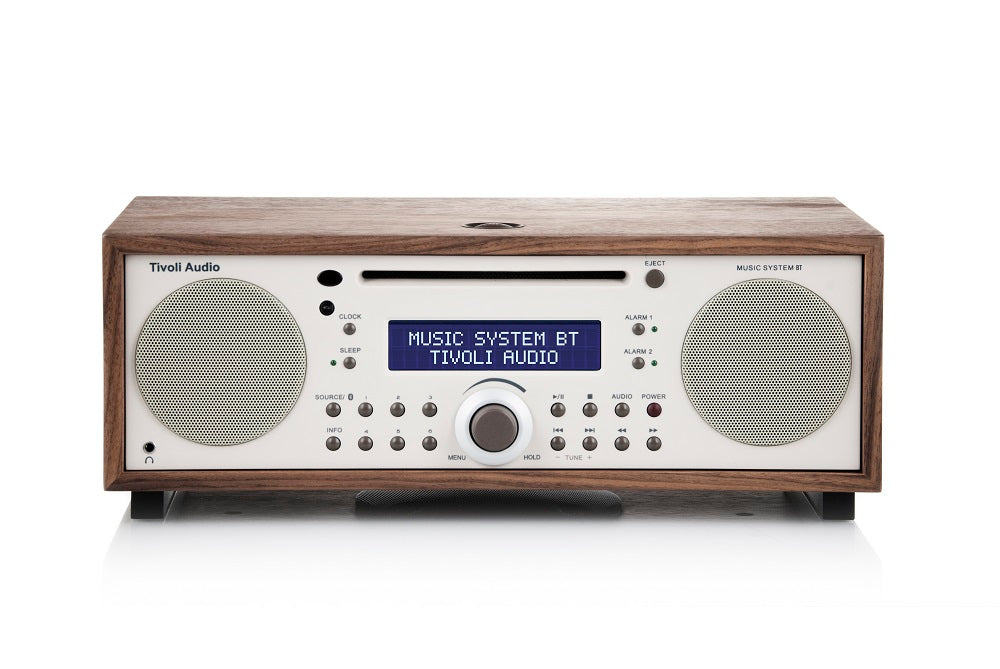
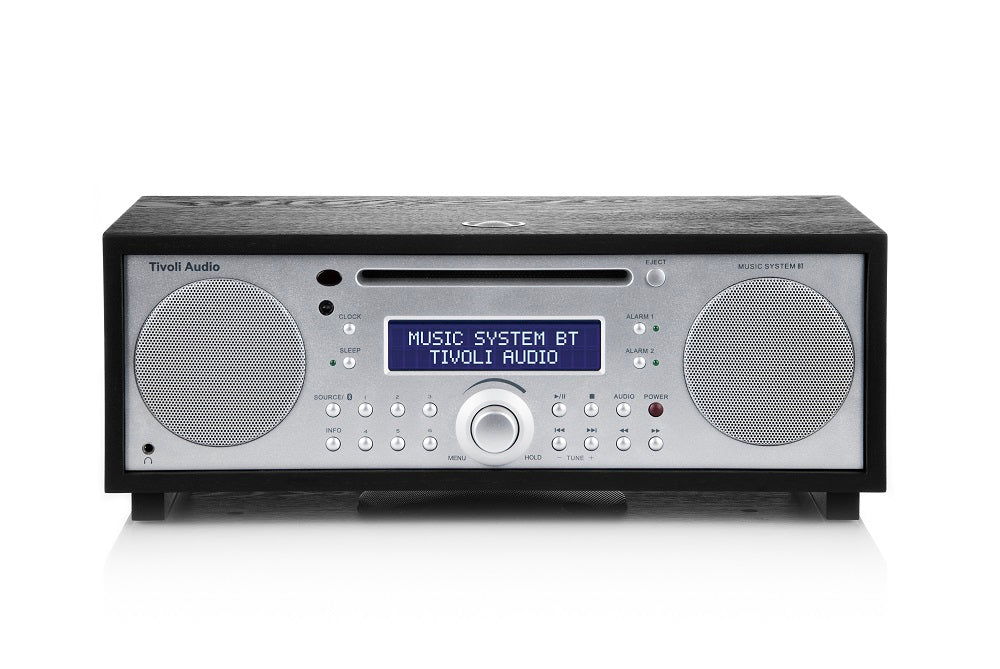


Tivoli Audio Music System BT Tabletop CD, radio-réveil AM/FM
$799.00
En rupture de stock
We are an authorized Tivoli dealer!
Email Your Question
Pairs well with
Free Shipping
We only ship within Canada. Items purchased online qualify for free shipping!
30 Day Returns
All products are eligible for returns within 30 days. All original packaging is required.
Installation & Calibration
Ask about our installation services on home theatre & stereo equipment along with automation.
Tivoli Audio Music System BT Tabletop CD, radio-réveil AM/FM
Système Bluetooth sans fil tout-en-un Music BT avec le système musical original de Tivoli Audio. L'objectif de Tivoli était de concevoir un système audio compact au son exceptionnel. Dans le processus, ils ont fini par établir la référence pour les systèmes stéréo de table tout-en-un. Beaucoup ont essayé de l'imiter mais au final il n'y a qu'un seul système de musique, jusqu'à présent. Le Music System BT relève la barre en ajoutant la technologie sans fil Bluetooth. Diffusez votre musique préférée depuis n'importe quel smartphone, ordinateur ou tablette compatible vers le Music System BT sans câbles. Vous trouverez toujours les caractéristiques techniques de Tivoli Audio qui mettent le système musical sur la carte. Amplificateurs séparés, pilotes personnalisés et subwoofer à déclenchement par le bas réglable. Ils ont également conservé notre populaire mode large SpacePhase qui produit une scène sonore expansive et les deux ports de basses à déclenchement arrière qui offrent une réponse étendue des basses. Les caractéristiques du système de musique d'origine restent à bord, y compris FM RDS/AM/CD, horloge numérique à grand écran facile à voir avec batterie de secours, minuterie de sommeil avec télécommande complète et double alarme indépendante.
Tivoli Audio Music System BT Tabletop CD, radio-réveil AM/FM Specifications
| General Information | |
|---|---|
| Model Name | Tivoli Audio Music System BT |
| Product Type | AM/FM, CD, Bluetooth Tabletop Hi-Fi System |
| Sold As | Single Unit |
| Connectivity | |
| Radio Tuner | AM/FM |
| Bluetooth | Yes (5.0) |
| CD Player | Yes |
| Auxiliary Input | 3.5mm |
| Mix Input | Stereo MIX IN |
| Line Output | Stereo REC OUT (Line Level) |
| Audio Specifications | |
| Speaker Configuration | Stereo, 2 x 3" Full-Range Drivers |
| Subwoofer | 1 x 4.5" Down-Firing, Independent Bass Level Control |
| Output Power | 40W |
| Controls & Features | |
| Clock | Digital clock with 2x AA battery backup |
| Alarm | Dual independent alarms with Snooze |
| Remote Control | Full-function remote included |
| Physical & Design | |
| Dimensions (H x W x D) | 5.25" x 14.125" x 9.5" |
| Weight | 13.2 lbs (6.0 kg) |
| Cabinet Finish | Real wood veneer; available in Walnut/Beige, Black Ash/Silver, Cherry/Metallic Taupe, White/Silver |
| Package & Accessories | |
| Included Accessories | Manual, External FM Antenna, External AM Antenna, Remote Control (battery included), 2x AA Batteries, Power Cord |