



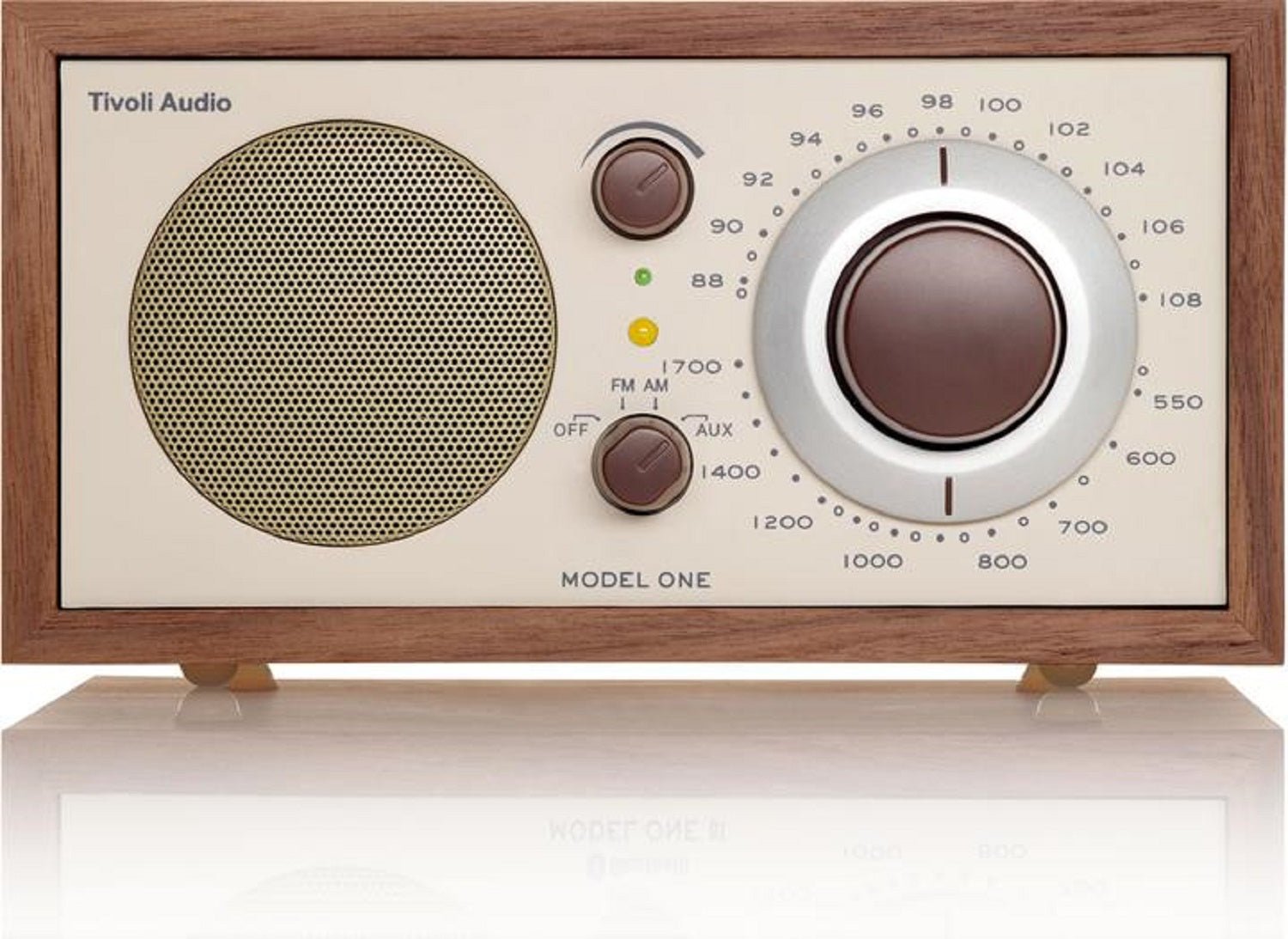
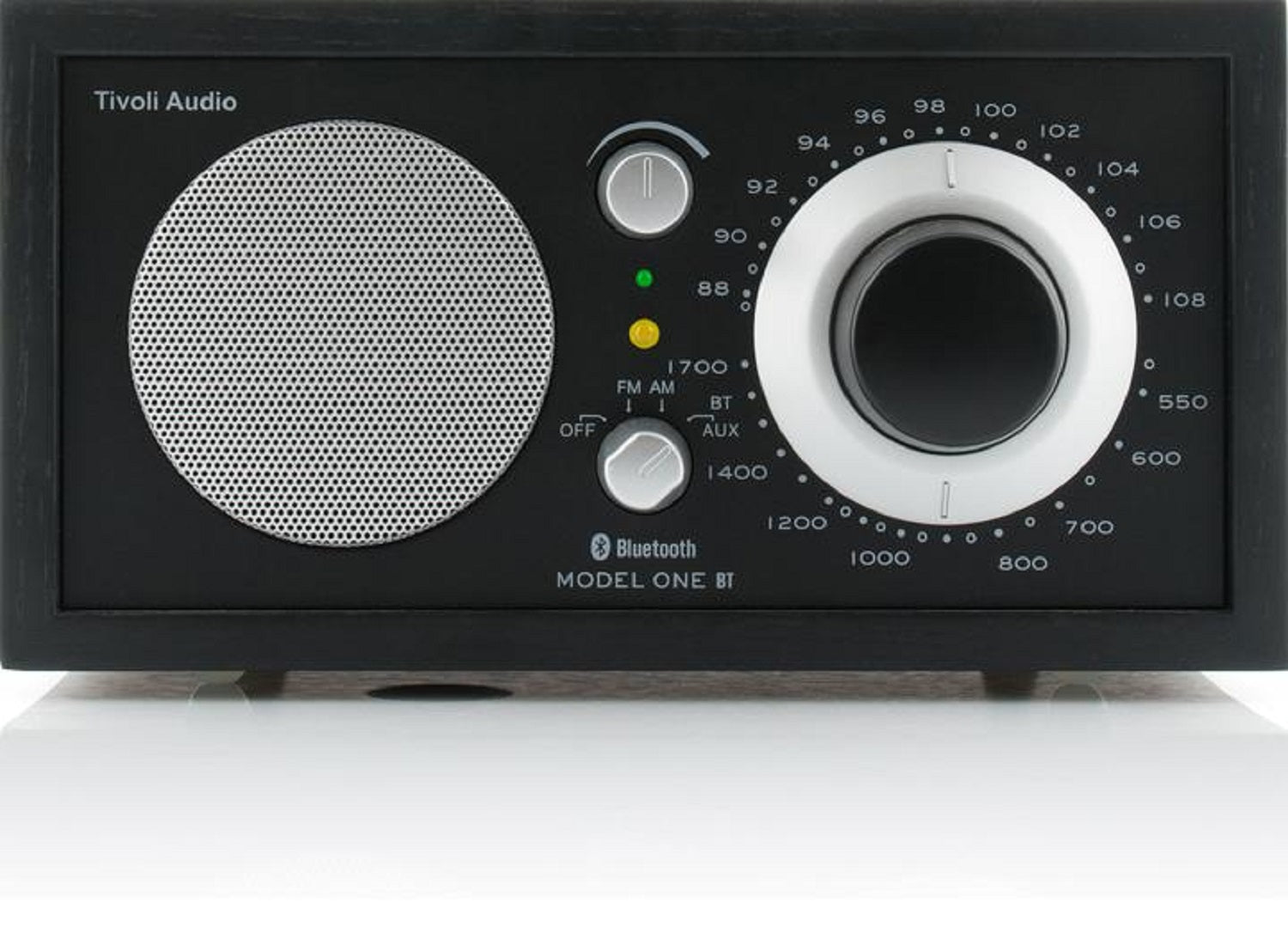
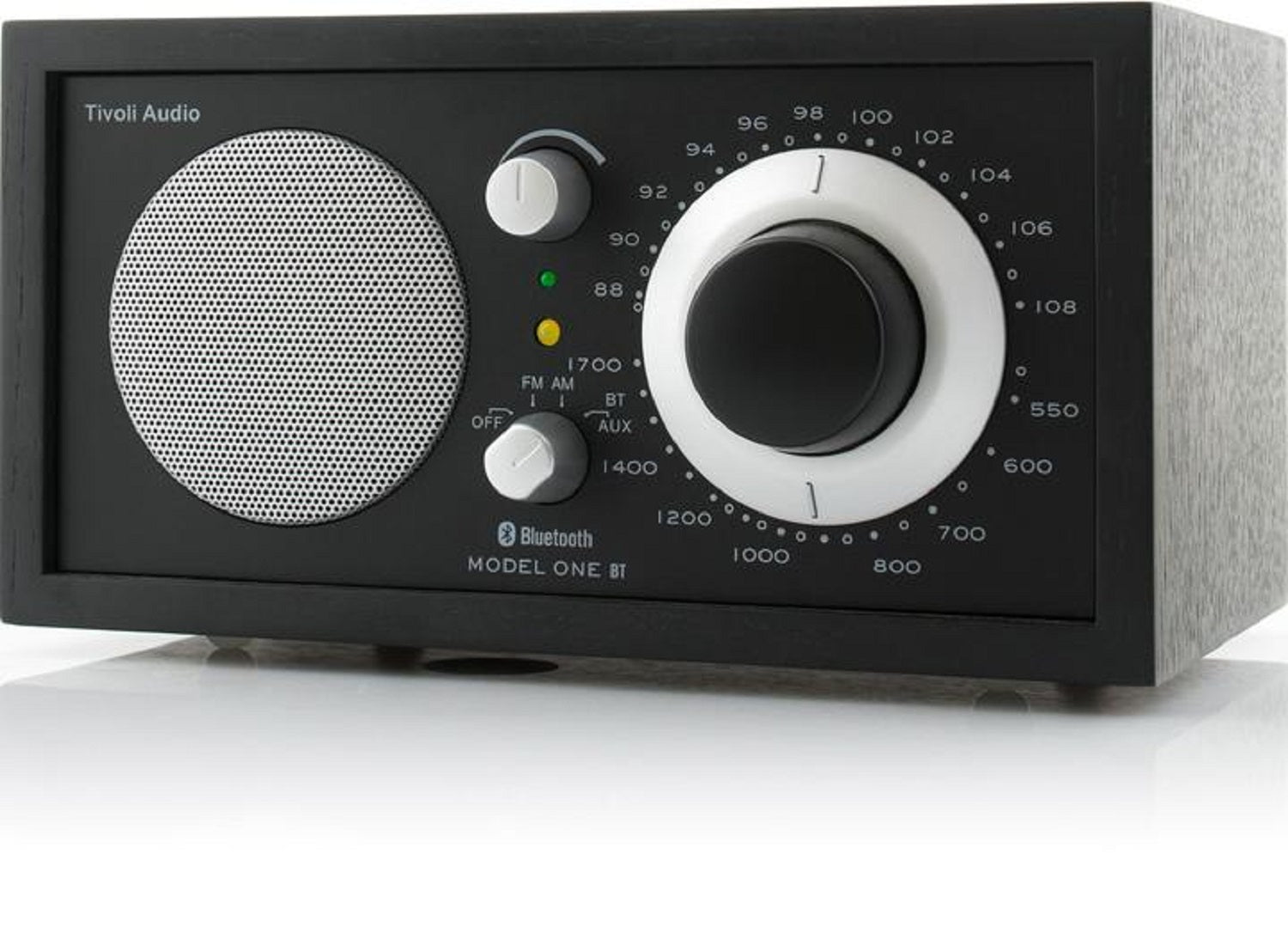


Tivoli Audio Model One Radio AM/FM de table avec Bluetooth et entrée auxiliaire
$279.00
Free Canada-Wide Shipping
Dépêchez-vous 1 éléments en stock!
We are an authorized Tivoli dealer!
Email Your Question
Pairs well with
Free Shipping
We only ship within Canada. Items purchased online qualify for free shipping!
30 Day Returns
All products are eligible for returns within 30 days. All original packaging is required.
Installation & Calibration
Ask about our installation services on home theatre & stereo equipment along with automation.
Tivoli Audio Model One Radio AM/FM de table avec Bluetooth et entrée auxiliaire
Le Model One BT comprend une armoire en bois faite à la main, des commandes manuelles simples, une reproduction naturelle du son, une lecture AM/FM, une entrée Aux et une connexion Bluetooth.
Tivoli Audio Model One Radio AM/FM de table avec Bluetooth et entrée auxiliaire Specifications
| General Information | |
|---|---|
| Model Name | Tivoli Audio Model One BT |
| Product Type | AM/FM Bluetooth Table Top Radio |
| Sold As | Single Unit |
| Connectivity | |
| Radio Tuner | AM/FM |
| Bluetooth | Yes (5.1) |
| Auxiliary Input | 3.5mm |
| Headphone Output | Stereo |
| Line Output | Stereo REC OUT (Line Level) |
| Audio Specifications | |
| Speaker Configuration | Mono, 1 x 3" Full-Range Driver |
| Output Power | 6W |
| Enclosure Type | Bass Ported |
| Physical & Design | |
| Dimensions (H x W x D) | 4.5" x 8.375" x 5.25" |
| Weight | 4.14 lbs (1.9 kg) |
| Cabinet Finish | Real wood veneer; available in Walnut/Beige, Cherry/Silver, White/Silver, Oak/Black, Black Ash/Black Silver |
| Package & Accessories | |
| Included Accessories | Manual, Power Supply, External FM Antenna |