





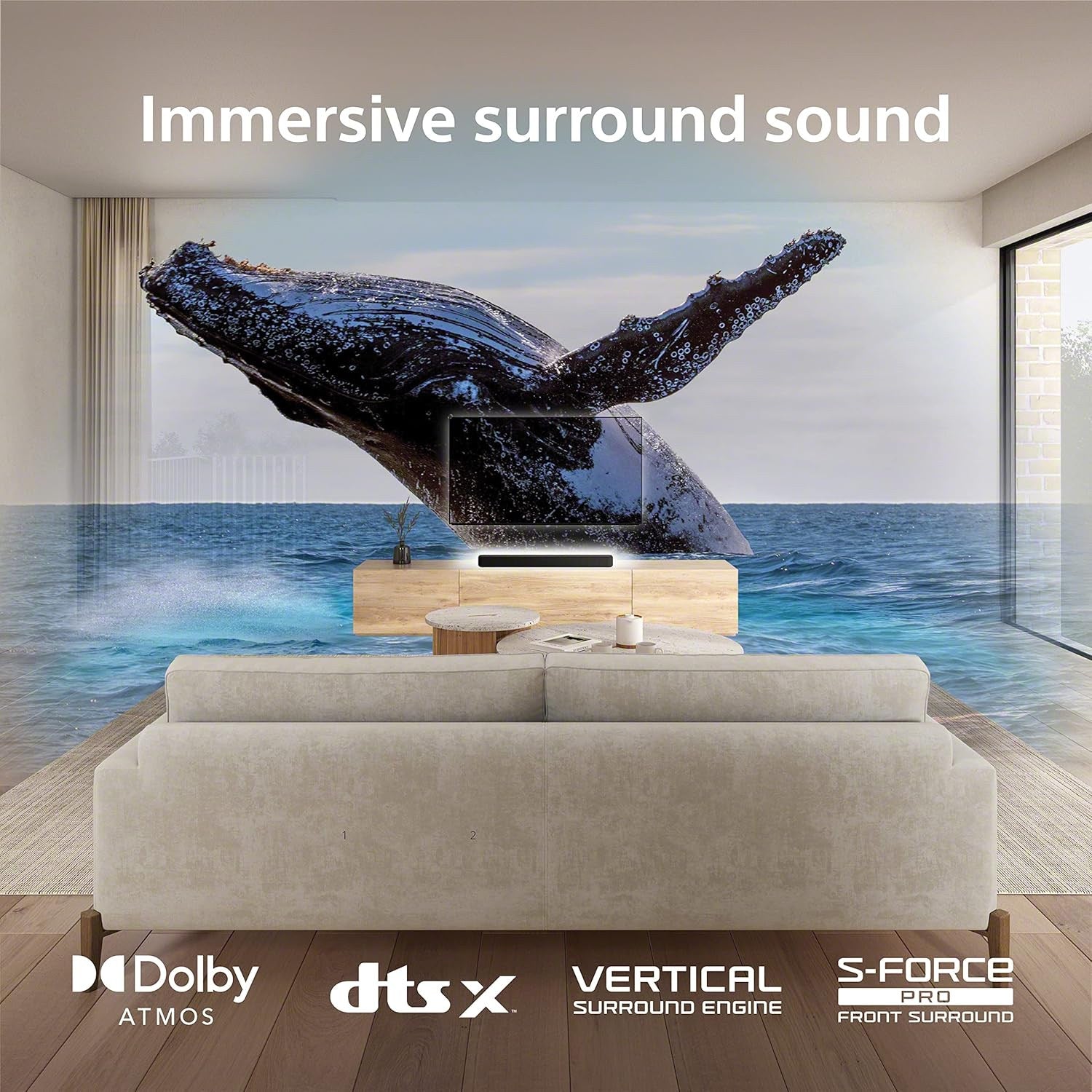
Sony HT-S2000 Soundbar - 3.1-Channel Dolby Atmos® with Built-In Subwoofer
We are an authorized Sony dealer!
Email Your Question
Pairs well with
Free Shipping
We only ship within Canada. Items purchased online qualify for free shipping!
30 Day Returns
All products are eligible for returns within 30 days. All original packaging is required.
Installation & Calibration
Ask about our installation services on home theatre & stereo equipment along with automation.
Sony HT-S2000 Soundbar - 3.1-Channel Dolby Atmos® with Built-In Subwoofer
Overview
The Sony HT-S2000 is a 3.1-channel soundbar built around a 5-channel S-Master digital amplifier with 250W of total power output. Dual built-in subwoofers handle the low end on their own, so there's no separate subwoofer box to place or wire up, and full Dolby Atmos and DTS:X support means movies and shows get the height and surround detail they were mixed with.
A single HDMI eARC connection is all it takes to hook the HT-S2000 up to your TV, and Bluetooth 5.2 covers wireless streaming from a phone or laptop. Built-in Wi-Fi also supports Sony's own Wireless Multi-room system, so you can group the HT-S2000 with other compatible Sony speakers around the house.
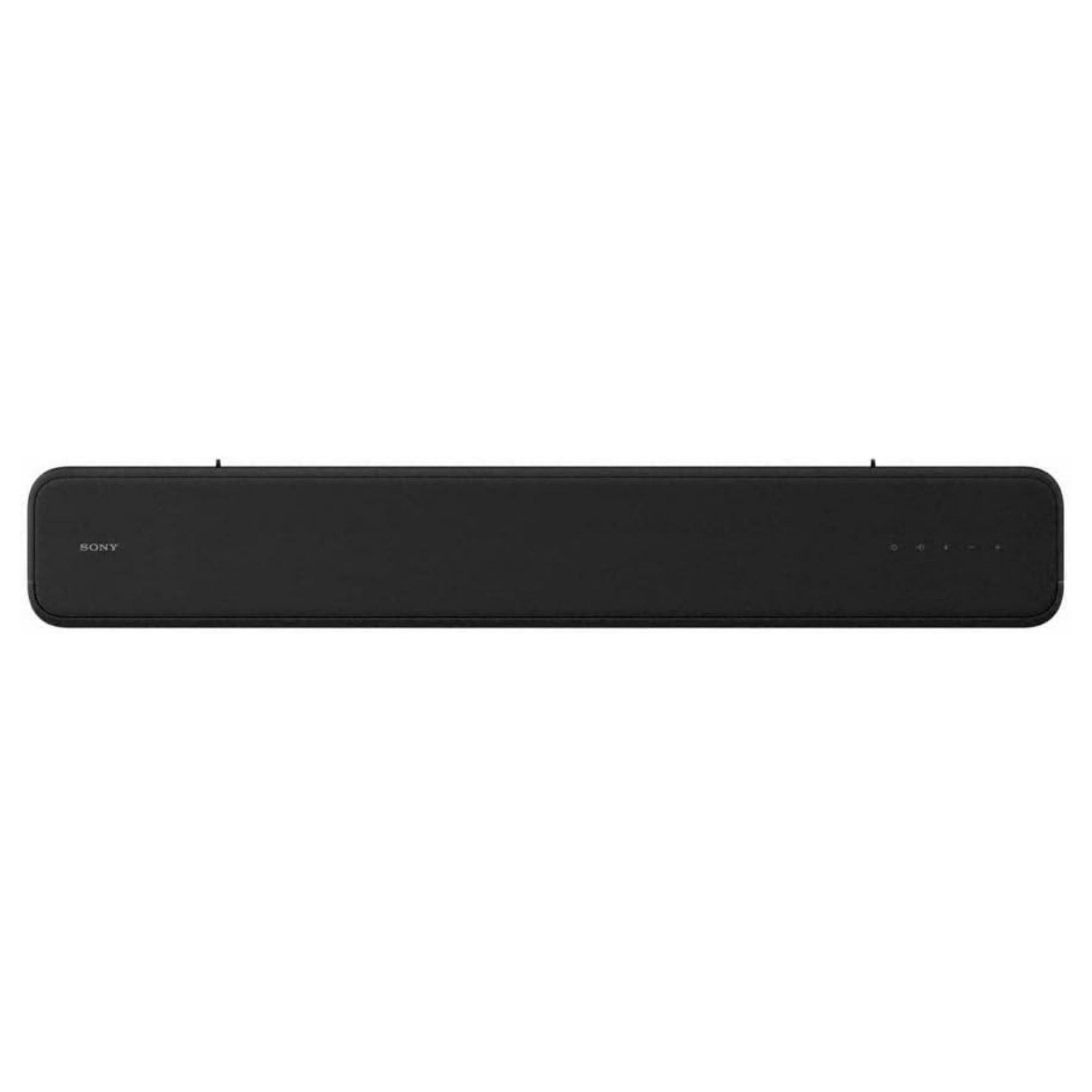
At just under 32 inches wide, the HT-S2000 is compact enough for smaller living rooms and bedrooms without giving up real Dolby Atmos processing, and it's wall-mountable if you'd rather keep it off the TV stand entirely.
Simcoe Audio Video Insight
The HT-S2000 is a good fit for anyone who wants genuine Dolby Atmos and DTS:X without stepping up to a multi-piece system. The dual built-in subwoofers mean you're not hunting for floor space for a separate sub, and the single-cable HDMI eARC setup keeps installation simple. If you outgrow it later, Sony's optional wireless rear speakers let you add true surround channels without replacing the bar itself.
More Info
Why the Sony HT-S2000 Soundbar Stands Out
Dual Built-In Subwoofers
Deep bass comes built into the bar itself, powered by a 5-channel S-Master digital amplifier with 250W of total output.
Dolby Atmos and DTS:X Support
Full compatibility with both major object-based surround formats, so movies, shows, and Atmos-mixed music get the height and detail they were mixed for.
Simple One-Cable HDMI eARC Setup
A single HDMI eARC connection to your TV is all that's needed to get full lossless audio passthrough, with no separate power or subwoofer cable to manage.
Wi-Fi with Sony Wireless Multi-Room
Built-in dual-band Wi-Fi lets the HT-S2000 join Sony's Wireless Multi-room system, so it can play in sync with other compatible Sony speakers around the house.
Bluetooth 5.2 Streaming
Stream music and podcasts wirelessly from a phone, tablet, or laptop with a stable Bluetooth 5.2 connection.
Optional Wireless Rear Speakers
Add Sony's optional wireless surround speakers later on to expand the HT-S2000 into a fuller surround setup without replacing the bar.
Buyer's Guide
Who It's For
- The Space-Conscious Upgrader: wants real Dolby Atmos and DTS:X in a compact bar that doesn't need a separate subwoofer box.
- The Simple Setup Seeker: wants one HDMI cable to the TV and minimal configuration, without sacrificing surround format support.
- The Sony Multi-Room Household: already has, or is planning, other Sony speakers and wants this bar to join the same wireless multi-room system.
How It Compares
The HT-S2000 sits above Sony's entry-level bars and below its flagship single-bar models. If you don't need Dolby Atmos and just want straightforward stereo-plus-bass sound for a secondary room, the Sony HT-S400 is a simpler, lower-cost option. If you want physical up-firing height drivers instead of virtual height processing, the BRAVIA Theatre Bar 6 steps up to that with a wireless external subwoofer. For a bigger speaker array and Wi-Fi streaming features like AirPlay 2, Sony's HT-A3000 is worth a look as well.
Sony HT-S2000 Soundbar - 3.1-Channel Dolby Atmos® with Built-In Subwoofer Specifications
| General | |
|---|---|
| Brand | Sony |
| Model | HT-S2000 |
| Type | 3.1-Channel Dolby Atmos Soundbar |
| Channels | 3.1 (Built-In Subwoofer) |
| Audio | |
| Amplifier | 5-Channel S-Master Digital Amplifier, 250W Total Power Output |
| Drivers | 3 Front Speakers, Dual Built-In Subwoofers |
| Dolby Atmos | Yes |
| DTS:X | Yes |
| Subwoofer | Dual Built-In Subwoofers (not compatible with external subs) |
| Surround Sound Support | Dolby Atmos, DTS:X, DTS Virtual:X |
| Virtual Surround | S-Force PRO, Vertical Surround Engine |
| Connectivity | |
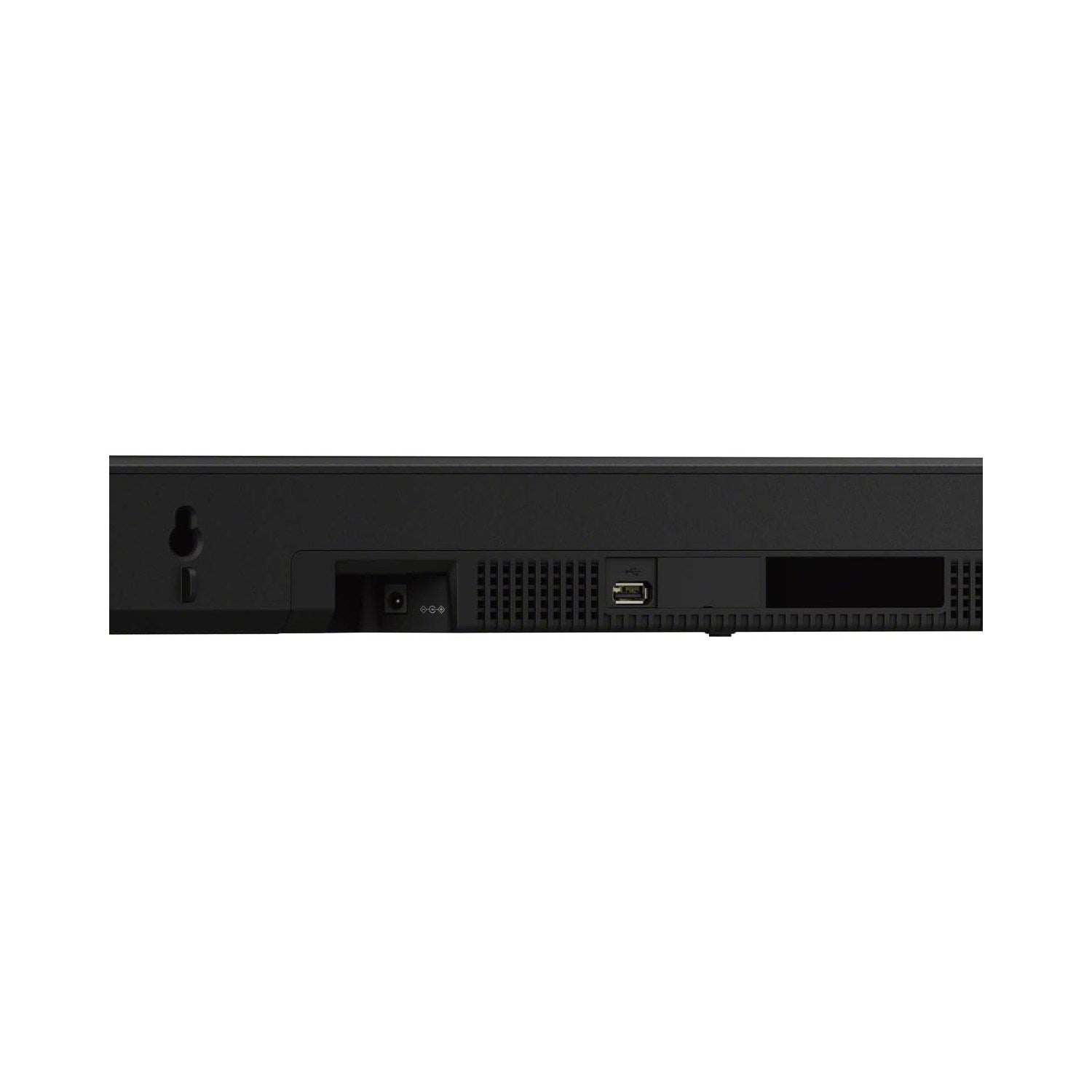
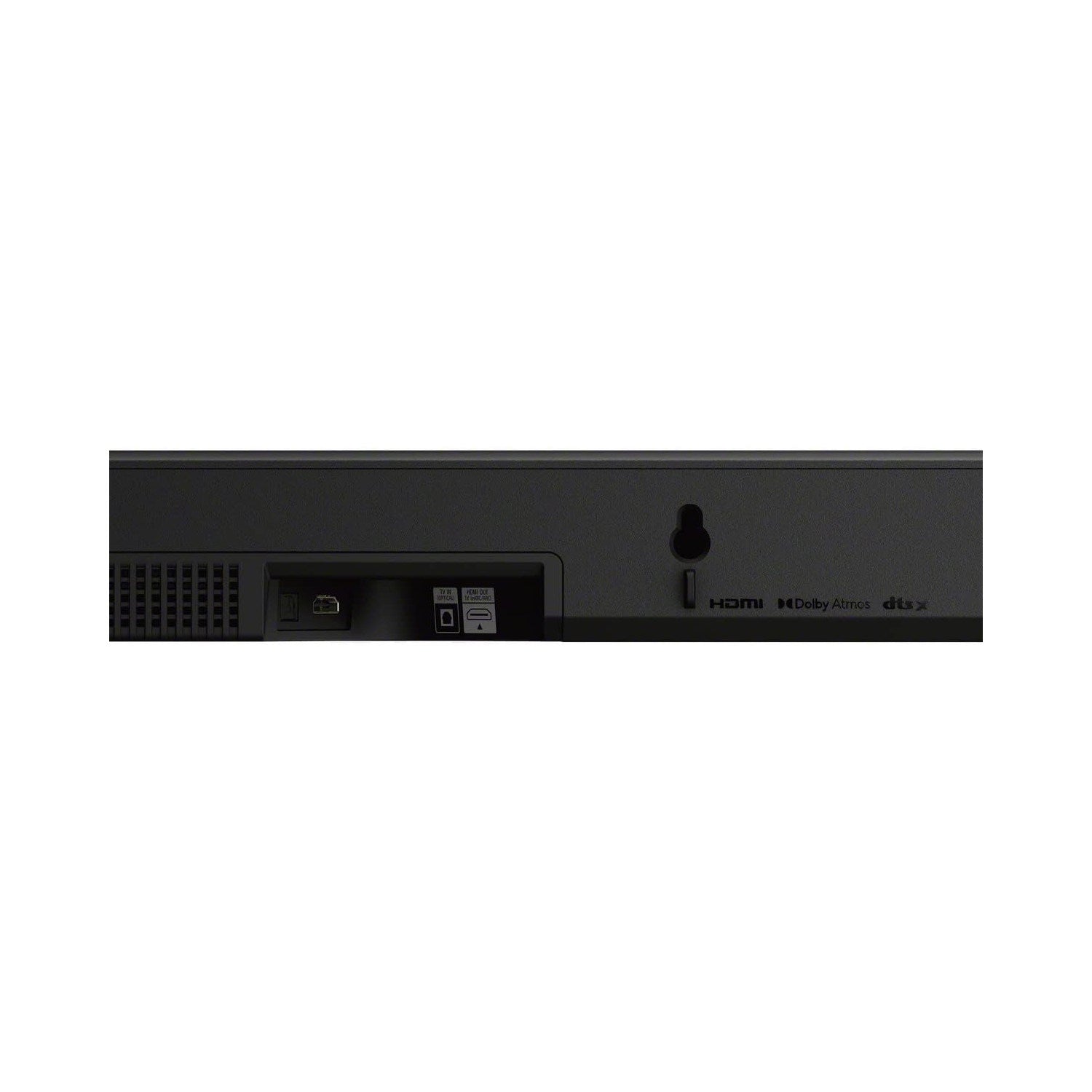
| HDMI | 1 x HDMI Out (eARC/ARC) — no HDMI input |
| Optical Input | 1 x Optical |
| USB | Yes (Type-A, for media playback) |
| Bluetooth | Version 5.2 (AAC, SBC) |
| Wi-Fi | 802.11 a/b/g/n/ac (dual-band) |
| Ethernet Port | No (Wi-Fi only) |
| Smart Features | |
| App Control | Yes (Sony BRAVIA Connect app) |
| Multi-Room Audio | Yes (Sony Wireless Multi-room system) |
| Streaming Services Support | Bluetooth streaming from connected devices |
| TV Remote Sync | Yes (via HDMI-CEC, BRAVIA Sync) |
| Compatibility | |
| Expandable with Rear Speakers | Yes (optional Sony wireless surround speakers) |
| Wall Mountable | Yes (mounting template included) |
| Design | |
| Dimensions | 31 1/2" x 2 5/8" x 5" (800 x 64 x 124 mm) |
| Weight | 3.7 kg (8 lb 3 oz) |
| Color Options | Black |
| Display | LED indicators for status and volume control |
| Power & Other | |
| Power Source | AC Power |
| Power Consumption | 42W typical; less than 2.0W in network standby |
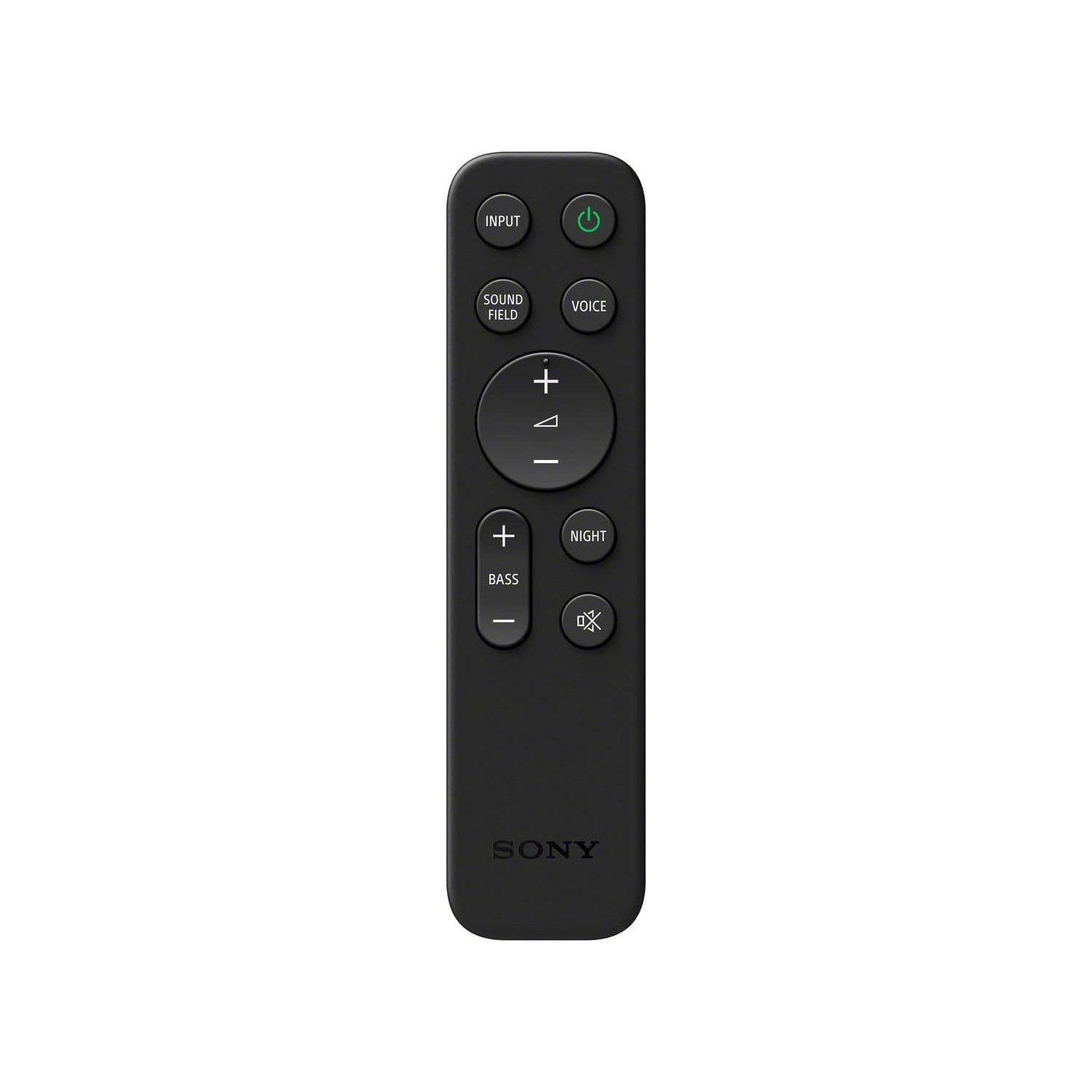
| What's in the Box | Soundbar, remote control, batteries, HDMI cable, AC adaptor, AC cord, wall mounting template, quick setup guide, reference guide |