


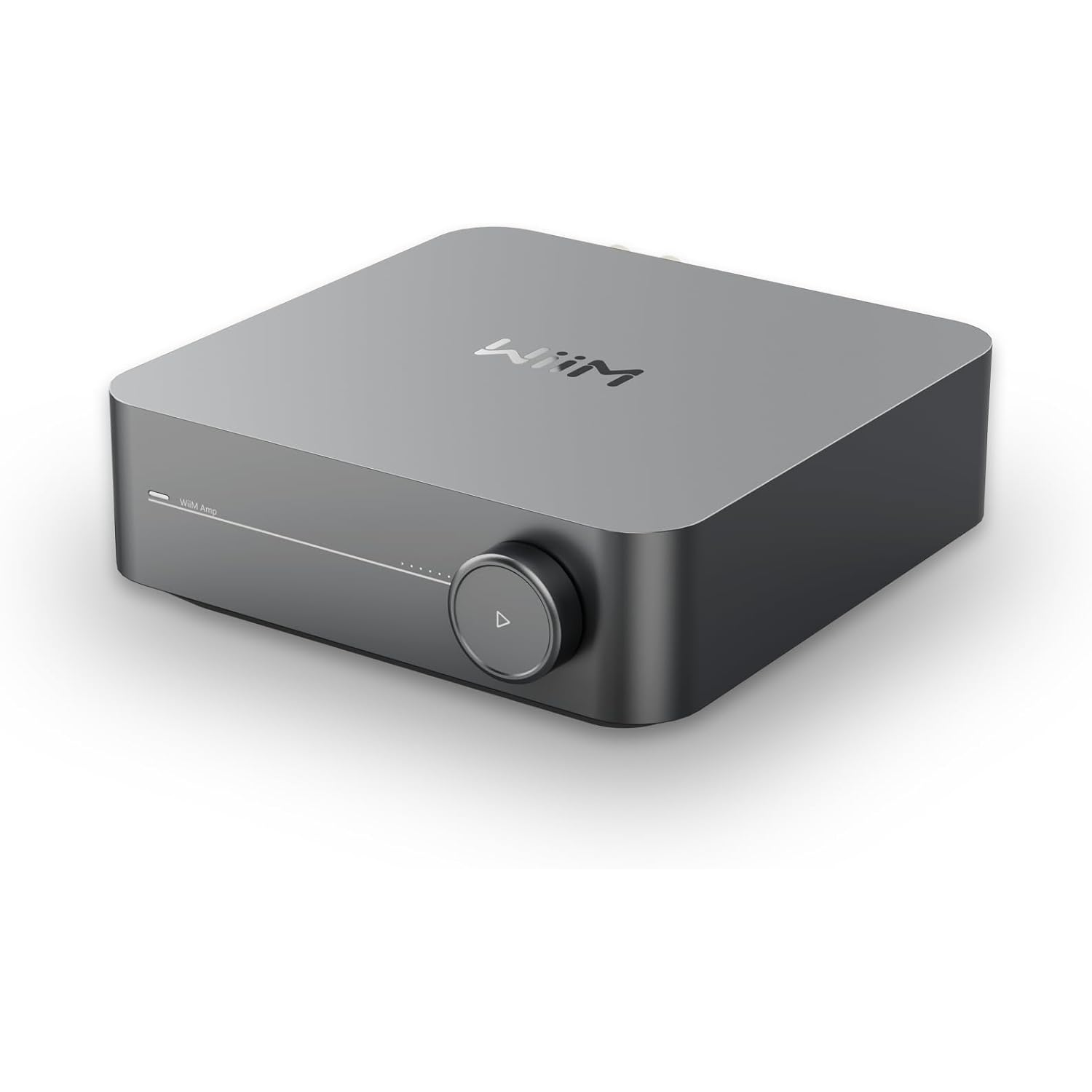


WiiM Amp - Versatile Music Streaming Amplifier
We are an authorized WiiM dealer!
Email Your Question
Pairs well with
Free Shipping
We only ship within Canada. Items purchased online qualify for free shipping!
30 Day Returns
All products are eligible for returns within 30 days. All original packaging is required.
Installation & Calibration
Ask about our installation services on home theatre & stereo equipment along with automation.
WiiM Amp - Versatile Music Streaming Amplifier
Description
The WiiM Amp is a versatile music streaming amplifier designed to power your speakers with high-fidelity sound. It combines a high-performance amplifier with built-in streaming capabilities, allowing you to enjoy music from AirPlay 2, Chromecast, Spotify Connect, and more. Delivering up to 60W per channel, it supports high-resolution audio up to 24-bit/192kHz for crystal-clear playback. With multiple connectivity options and voice assistant compatibility, it brings seamless control and premium sound to any home audio setup.
Key Features
- Built-in amplifier delivering 60W per channel for powerful sound
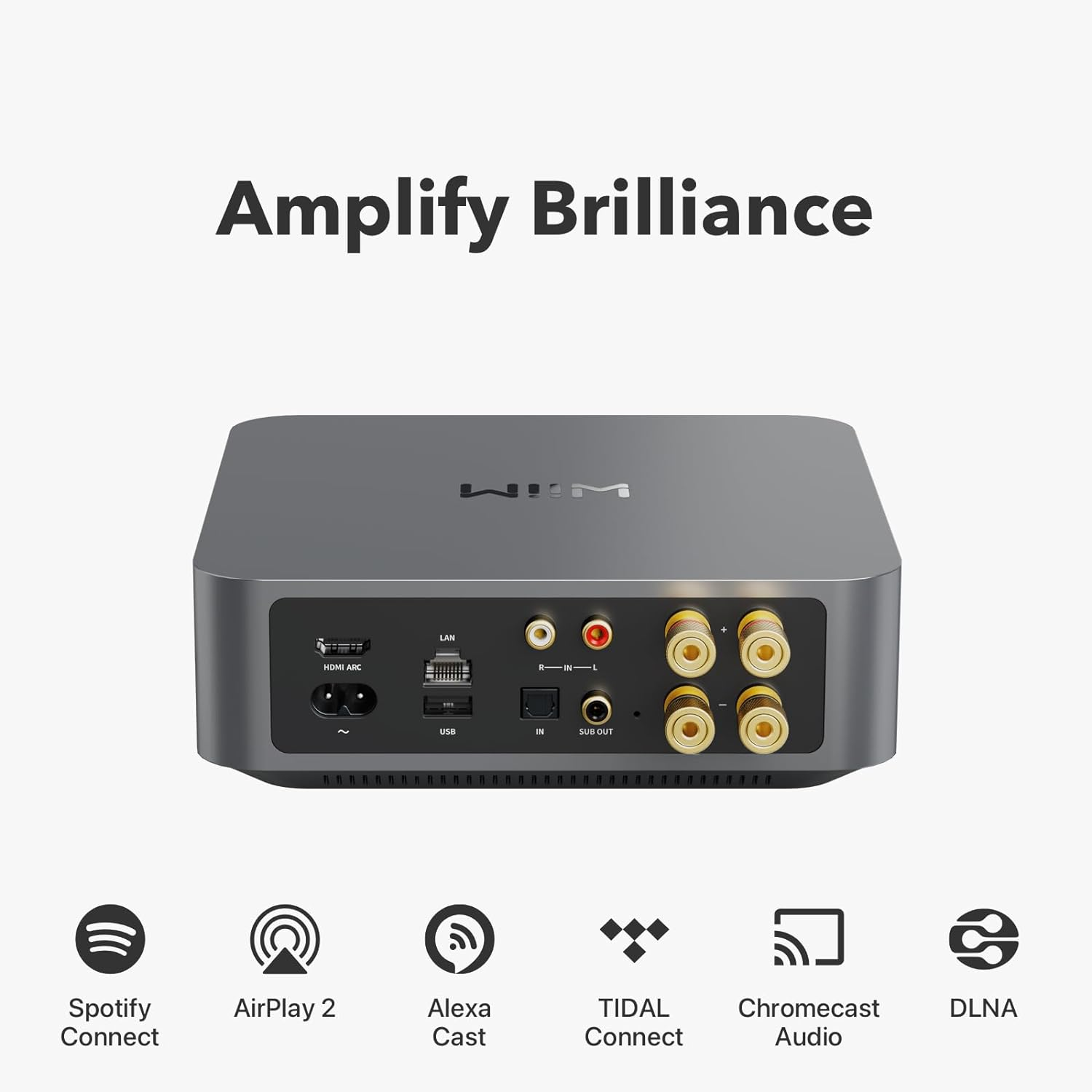
- Supports AirPlay 2, Chromecast, DLNA, and Spotify Connect
- Plays high-resolution audio up to 24-bit/192kHz
- Multiple inputs and outputs, including RCA, optical, and subwoofer out
- Works with Alexa, Google Assistant, and Siri for hands-free control
- Compact design with an intuitive control interface
- Multi-room audio support for synchronized music playback
Why Buy
The WiiM Amp brings high-quality amplification and streaming into one sleek device. Whether you’re upgrading an existing speaker setup or creating a new one, it provides excellent sound, smart features, and seamless wireless control.
- High-performance amplifier ensures rich, detailed sound
- Wireless streaming from all major music services
- Flexible connectivity options for various speaker setups
Specifications
| Amplifier Power | 60W per channel at 8Ω |
| Audio Formats | MP3, AAC, ALAC, FLAC, WAV, AIFF, WMA, OGG |
| Streaming Services | Spotify, TIDAL, Qobuz, Amazon Music, Deezer, and more |
| Connectivity | Wi-Fi, Bluetooth, Ethernet |
| Inputs | USB-C, RCA, Optical, AUX-in |
| Outputs | Speaker terminals, RCA pre-out, Optical, Subwoofer out |
| Supported Resolutions | Up to 24-bit/192kHz |
| Voice Control | Alexa, Google Assistant, Siri |
| Multi-Room | Yes |
| Dimensions | 160mm x 160mm x 50mm |
| Weight | Approx. 1.2kg |
WiiM Amp - Versatile Music Streaming Amplifier Specifications