



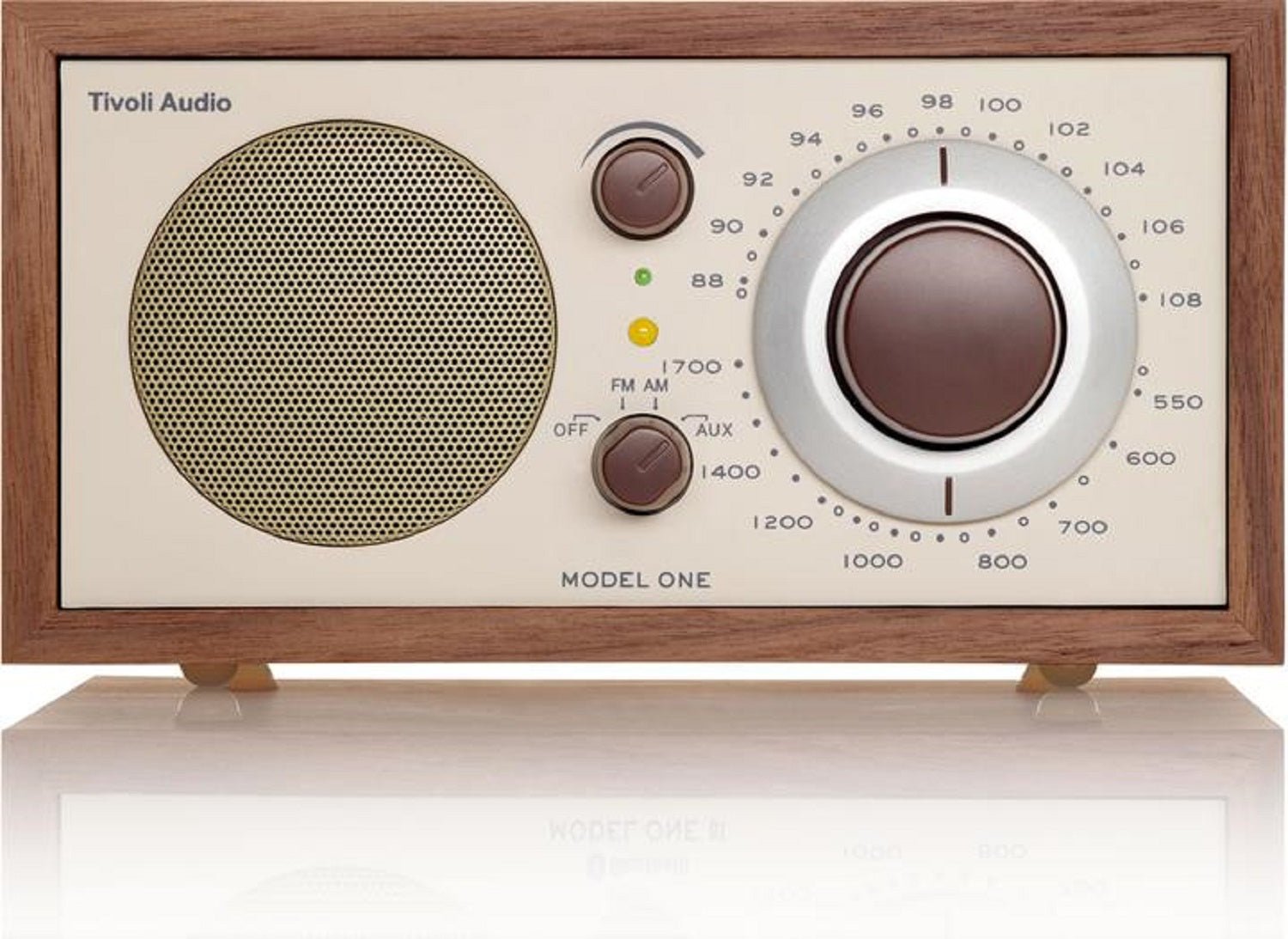
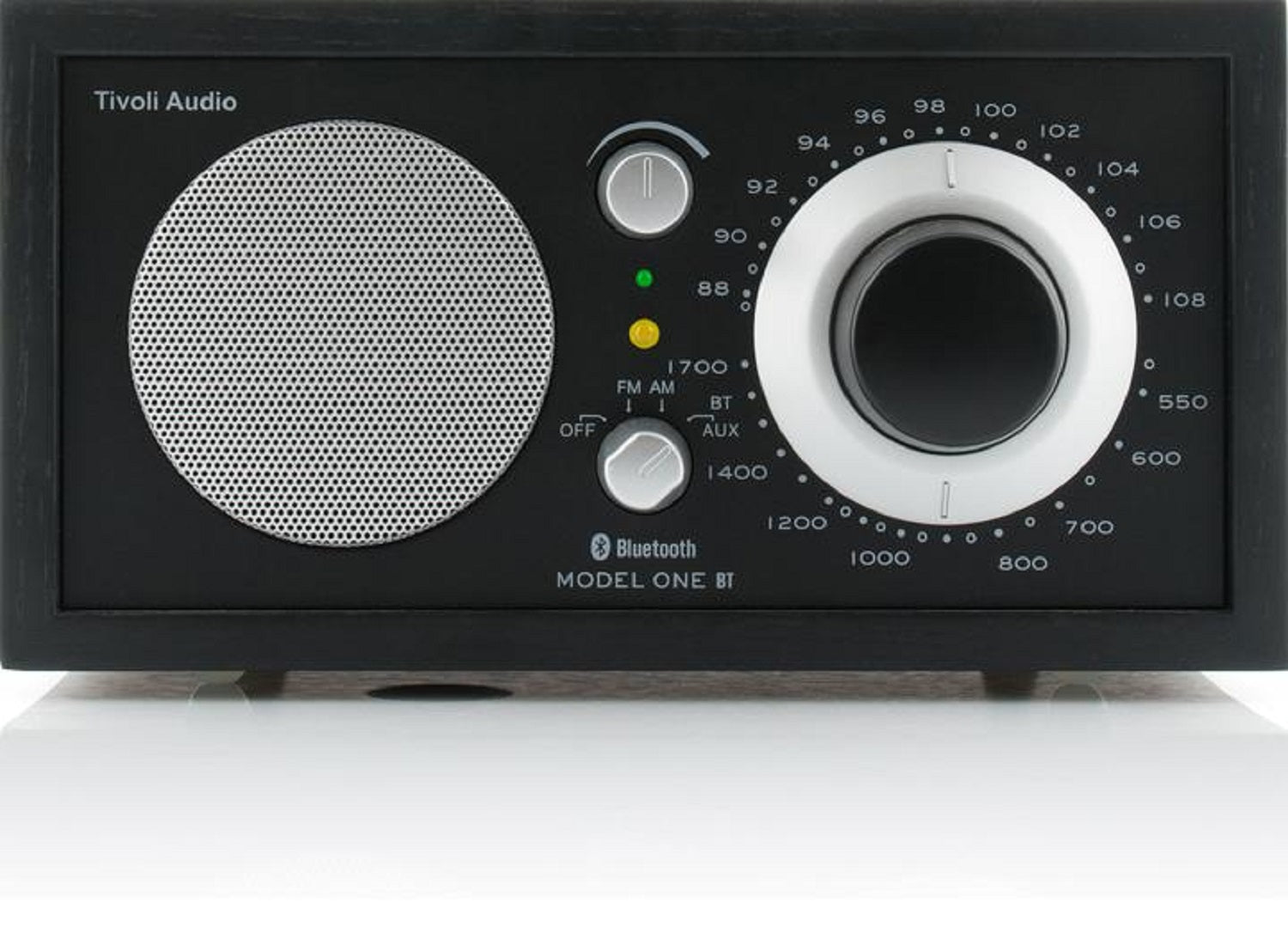

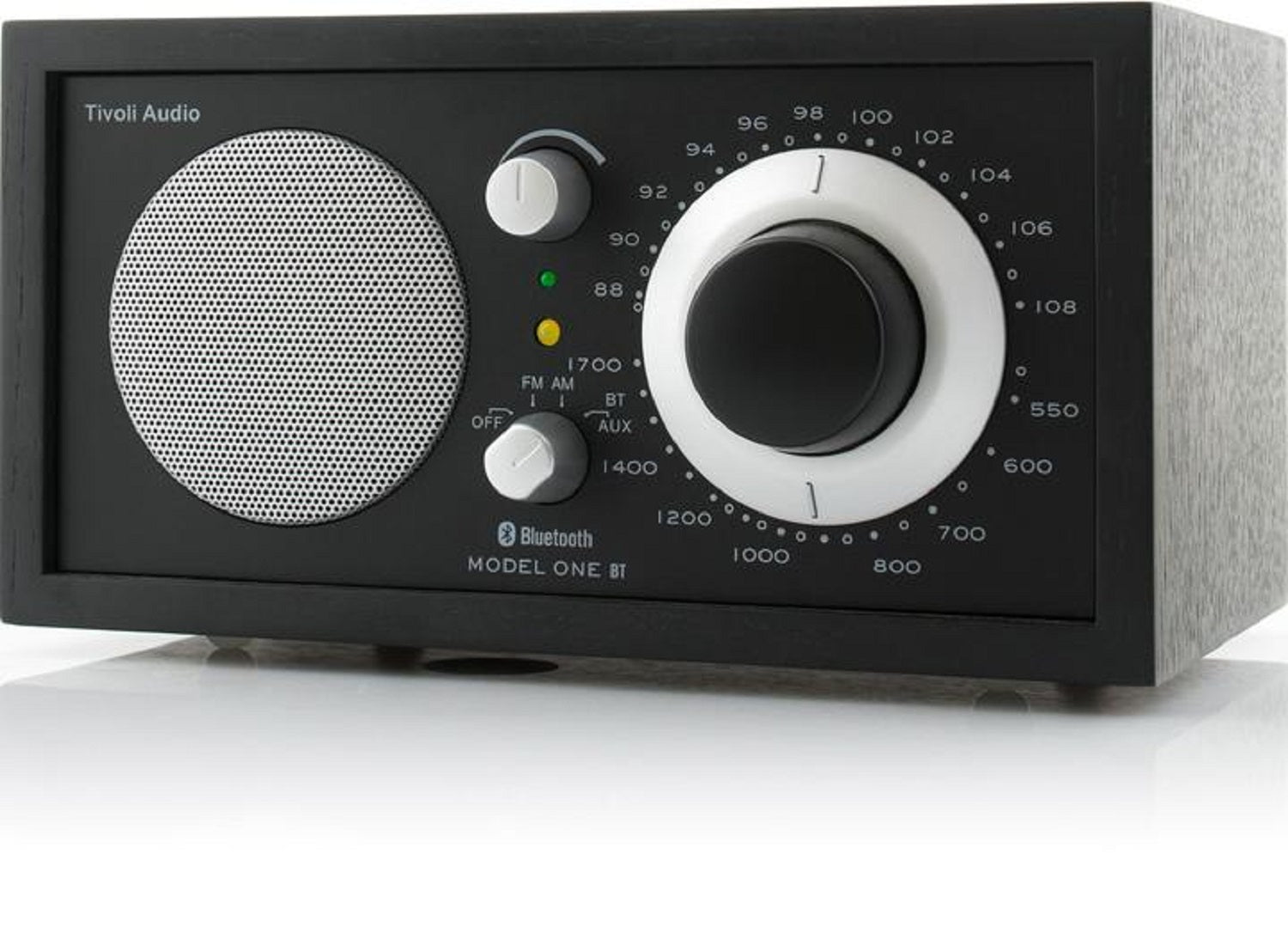


Tivoli Audio Model One Table Top AM/FM Radio with Bluetooth and Aux Input
We are an authorized Tivoli dealer!
Email Your Question
Pairs well with
Free Shipping
We only ship within Canada. Items purchased online qualify for free shipping!
30 Day Returns
All products are eligible for returns within 30 days. All original packaging is required.
Installation & Calibration
Ask about our installation services on home theatre & stereo equipment along with automation.
Tivoli Audio Model One Table Top AM/FM Radio with Bluetooth and Aux Input
Overview
The Tivoli Audio Model One BT is a handcrafted AM/FM tabletop radio that adds Bluetooth streaming to Tivoli's classic real wood cabinet design, without any Wi-Fi setup to deal with.
Bluetooth 5.1 handles wireless streaming from a phone, tablet, or laptop, while a 3.5mm auxiliary input covers wired sources. A stereo headphone output and a line-level REC OUT round out the connections, alongside AM/FM tuning known for pulling in weak stations clearly.
Sound comes from a single 3-inch full-range driver in a bass-ported cabinet, delivering 6 watts of output. It's built in a real wood veneer cabinet with just three simple controls.
Simcoe Audio Video Insight
We point clients toward the Model One BT when they want a straightforward AM/FM and Bluetooth radio for a bedroom, kitchen, or office desk without any Wi-Fi setup — just plug in, tune in, or pair a phone over Bluetooth.
More Info
Why the Model One BT Stands Out
Bluetooth 5.1 Wireless Streaming
Pair a phone, tablet, or laptop for wireless playback through the radio's speaker.
AM/FM Tuner with Renowned Reception
An analog tuning dial delivers clear reception, even on weaker stations.
3.5mm Auxiliary Input
Connect any wired source directly using a standard 3.5mm cable.
Stereo Headphone and Line-Level Outputs
A stereo headphone output and a REC OUT line-level output add flexibility for private listening or recording.
Handcrafted Real Wood Veneer Cabinet
A genuine wood veneer cabinet doubles as an acoustically inert housing for the speaker.
Bass-Ported Cabinet Design
A ported enclosure gives the single 3-inch driver fuller low-end for its size.
Buyer's Guide
Who It's For
- Simple Radio and Bluetooth Listeners: AM/FM and Bluetooth cover the basics without any Wi-Fi network setup.
- Vintage-Style Design Enthusiasts: A real wood cabinet with classic three-knob controls.
- Desk or Nightstand Listeners: A compact one-box radio with a headphone output for private listening.
How It Compares
Where the Model One BT covers AM/FM radio, Bluetooth, and a wired aux input, the Tivoli Model One Digital (Gen 2) adds built-in Wi-Fi with AirPlay 2, Google Cast, Spotify Connect, and DAB+ digital radio. The Model One BT is the simpler, Wi-Fi-free option for anyone who just wants AM/FM and Bluetooth in a classic cabinet.
Tivoli Audio Model One Table Top AM/FM Radio with Bluetooth and Aux Input Specifications
| General Information | |
|---|---|
| Model Name | Tivoli Audio Model One BT |
| Product Type | AM/FM Bluetooth Table Top Radio |
| Sold As | Single Unit |
| Connectivity | |
| Radio Tuner | AM/FM |
| Bluetooth | Yes (5.1) |
| Auxiliary Input | 3.5mm |
| Headphone Output | Stereo |
| Line Output | Stereo REC OUT (Line Level) |
| Audio Specifications | |
| Speaker Configuration | Mono, 1 x 3" Full-Range Driver |
| Output Power | 6W |
| Enclosure Type | Bass Ported |
| Physical & Design | |
| Dimensions (H x W x D) | 4.5" x 8.375" x 5.25" |
| Weight | 4.14 lbs (1.9 kg) |
| Cabinet Finish | Real wood veneer; available in Walnut/Beige, Cherry/Silver, White/Silver, Oak/Black, Black Ash/Black Silver |
| Package & Accessories | |
| Included Accessories | Manual, Power Supply, External FM Antenna |